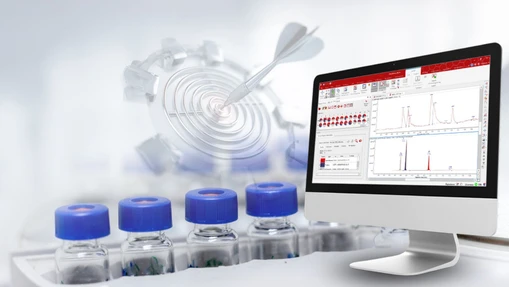
Take Control of Your Data: An Introduction to the Scripting Node in Compound Discoverer Software
- Photo: Thermo Fisher Scientific: Take Control of Your Data: An Introduction to the Scripting Node in Compound Discoverer Software
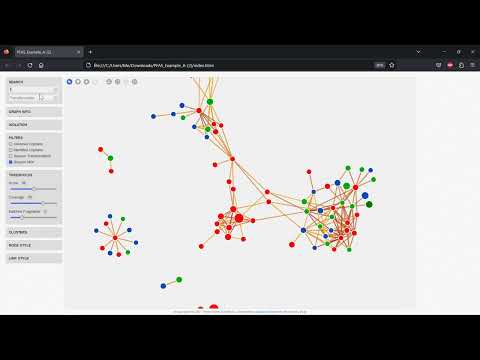
- Video: Chromatography & Mass Spectrometry Solutions: Compound Discoverer for the Analysis and Reporting of PFAS
In small molecule research, your data is only as powerful as the workflows behind it. Thermo Scientific Compound Discoverer software is already trusted for its robust, automated data analysis — but what if you need to go beyond the built-in functionality?
One question we often hear is:
“How can I easily customize Compound Discoverer software to allow for my own calculations and other functionalities?”
That’s where the scripting node comes in.
 Thermo Fisher Scientific: Take Control of Your Data - An Introduction to the Scripting Node in Compound Discoverer Software
What is the scripting node?
Think of the scripting node as a flexible add-on inside your Compound Discoverer workflow. It lets you run your own custom code (like an R or Python script) during data processing — so you can calculate, filter, or annotate your results exactly how you need.
Instead of manually exporting results to edit elsewhere, you can:
- Export a table (e.g., the compounds table) directly from Compound Discoverer software.
- Run your script to calculate new values or modify existing ones.
- Return the updated data straight back into your workflow for visualization, filtering, or reporting.
No complex programming knowledge needed — just your script and a clear idea of what you want to customize.
Why use the scripting node?
Compound Discoverer software already supports a wide range of built-in processing and annotation tasks — but every lab has unique questions, data formats, and downstream needs. With the scripting node you can:
- Calculate custom ratios like O/C and H/C for elemental analysis.
- Add logP values by integrating tools like OpenBabel*.
- Connect to your own in-house databases or pathway tools like BioCyc**.
- Automatically flag expected or unexpected compounds with custom logic.
- Perform extra data checks, visualizations, or export formats unique to your project.
In short, the scripting node helps you extend the power of Compound Discoverer software to fit your exact goals, saving time and manual effort.
See it in action
Curious how it works in practice? Our step-by-step on-demand webinar, “Customizing Compound Discoverer: How to Create a Scripting Node Using R,” walks you through it all.
You’ll learn:
- How to create a simple scripting node from scratch.
- Real examples of popular use cases, from simple column calculations to PFAS and pathway exports.
- Common pitfalls and best practices to help you get started smoothly.
Whether you’re just getting started with scripting or you’re looking for inspiration for your own projects, it’s the perfect way to see what’s possible.
Watch the webinar recording here and discover how easy it is to customize your workflows.
Take a look at some of our recent application notes that utilize scripting nodes:
- Detection and identification of isotope-labeled glutathione-trapped reactive drug metabolites
- Comprehensive non-targeted workflow for confident identification of PFAS
Visit us on LinkedIn: #CompoundDiscoverer #SmallMolecules #Software #Scripting node
Zoe Julian is a Product Marketing Manager for Chromatography and Mass Spectrometry software at Thermo Fisher Scientific. With over 12 years' experience of working with chromatography and mass spectrometry techniques with a background in GC and GC-MS(/MS) organic environmental analysis, she has helped many laboratories and industries improve their workflows through a unique understanding of their challenges. Transitioning to a focus on Chromeleon CDS she has shown customers how software solutions can improve their productivity and support their day-to-day operations.
*https://github.com/openbabel/openbabel
**BioCyc Database Collection is managed by SRI International.